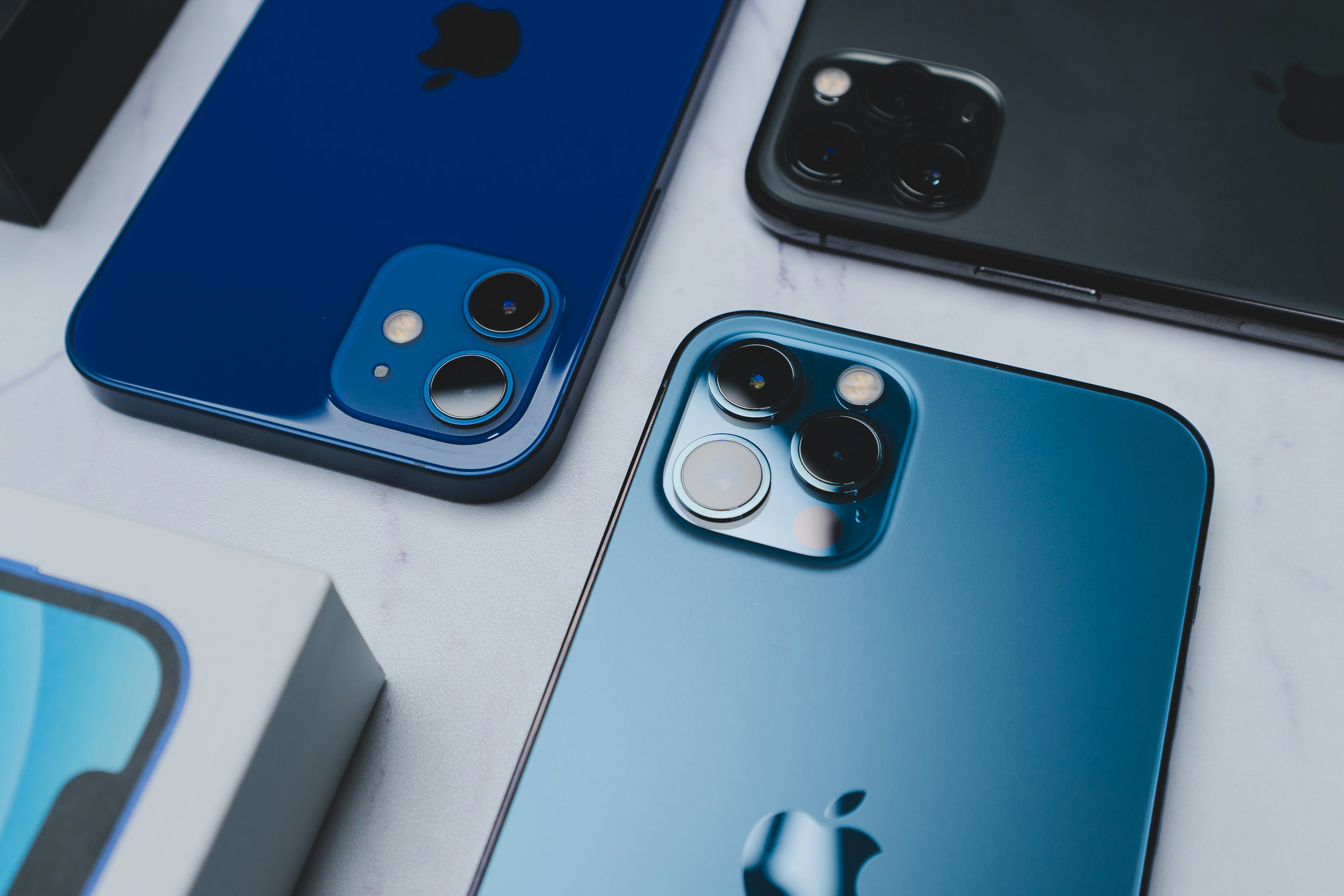
Your iPhone holds a detailed map of your life—from messages and photos to financial data and location history. Protecting that information is more important than ever as mobile privacy threats continue to evolve. Fortunately, Apple provides powerful tools to safeguard your data.
Understanding and adjusting key iPhone privacy settings can make a huge difference in how your personal information is handled. This guide walks you through essential Apple security options, from app permissions to data encryption, helping you take full control of your iPhone’s privacy and protection.
What Are the Key iPhone Privacy Settings You Should Adjust?
Apple’s privacy system is designed to give users transparency and control over how their data is shared. Start by managing app permissions—open Settings > Privacy & Security to review which apps can access sensitive features like your camera, microphone, or contacts. If an app doesn’t need that access, revoke it immediately.
Next, check Location Services, which can reveal your whereabouts to apps even when you’re not using them. Head to Settings > Privacy & Security > Location Services and set each app’s access to “While Using the App” or “Never.” This prevents constant background tracking that can drain your battery and compromise privacy.
Another must-change setting is App Tracking Transparency. Go to Settings > Privacy & Security > Tracking and disable “Allow Apps to Request to Track.” This stops apps from following your activity across other apps and websites.
Apple also offers Mail Privacy Protection, which hides your IP address and prevents senders from knowing when you’ve opened an email. You can enable this in Settings > Mail > Privacy Protection. Small changes like these can drastically reduce how much data advertisers and third parties collect from you.
How to Use Apple Security Features to Enhance iPhone Data Protection
Beyond privacy settings, Apple’s built-in security tools provide another layer of defense for your data. Start with Two-Factor Authentication (2FA) for your Apple ID, which ensures that even if someone gets your password, they can’t access your account without a verification code. Enable it through Settings > Your Name > Password & Security > Two-Factor Authentication.
Set a strong passcode—avoid birthdays or simple combinations. A six-digit code is good, but using a custom alphanumeric passcode is even better. You can also use Face ID or Touch ID for secure, convenient access to your phone and apps.
For sensitive files, the Notes app allows you to lock individual notes with Face ID or a password, and the Photos app includes a hidden album that can be protected by Face ID in Settings > Photos > Use Face ID.
One of Apple’s most effective security features is Find My iPhone. It not only helps you locate a lost device but also enables the Stolen Device Protection option introduced in newer iOS versions. This feature requires Face ID or Touch ID to change critical settings, making your iPhone nearly impossible to reset or sell if stolen.
Additional Tips for Maintaining Your iPhone’s Privacy
To stay secure, make privacy maintenance part of your routine. Periodically audit your app permissions—apps often request access once and retain it indefinitely unless you manually change it.
Always update your iOS software as soon as possible. Apple regularly releases patches to address newly discovered vulnerabilities. Go to Settings > General > Software Update to ensure you’re running the latest version.
You can also hide sensitive notifications from your lock screen. Under Settings > Notifications > Show Previews, select “When Unlocked” so only you can view message content after Face ID verification.
Finally, adjust Siri’s data access to limit the personal information it can access. In Settings > Siri & Search, review permissions for apps Siri interacts with and disable those you don’t trust.
These small adjustments make your iPhone not just smarter—but also safer.
Conclusion
Your iPhone’s privacy settings are your first line of defense against unwanted data collection and digital threats. While Apple’s security framework is among the strongest in the industry, it’s up to users to customize these tools for maximum protection.
Taking the time to adjust settings, enable security features, and regularly review permissions ensures your personal data stays safe. With these steps, you’ll make your iPhone not just a communication tool—but a secure vault for your digital life.
Frequently Asked Questions
1. Which iPhone privacy settings are most important to change?
Key ones include disabling app tracking, reviewing location permissions, enabling Mail Privacy Protection, and setting up two-factor authentication.
2. How does Apple’s App Tracking Transparency work?
This feature stops apps from tracking your activity across other apps and websites, preventing them from building detailed advertising profiles.
3. Can I control which apps access my location?
Yes. Go to Settings > Privacy & Security > Location Services and set each app’s access to “Never” or “While Using the App,” depending on your preference.
4. How does enabling two-factor authentication improve my security?
It adds an extra verification step, ensuring that even if someone steals your password, they still can’t access your Apple ID or data without your device.
Originally published on Tech Times